

Custom code for Webflow,finally under control.
Custom code is great but forgetting dependencies, losing track of things and having to dig into an old site is not. Cairn leads you in the right direction.
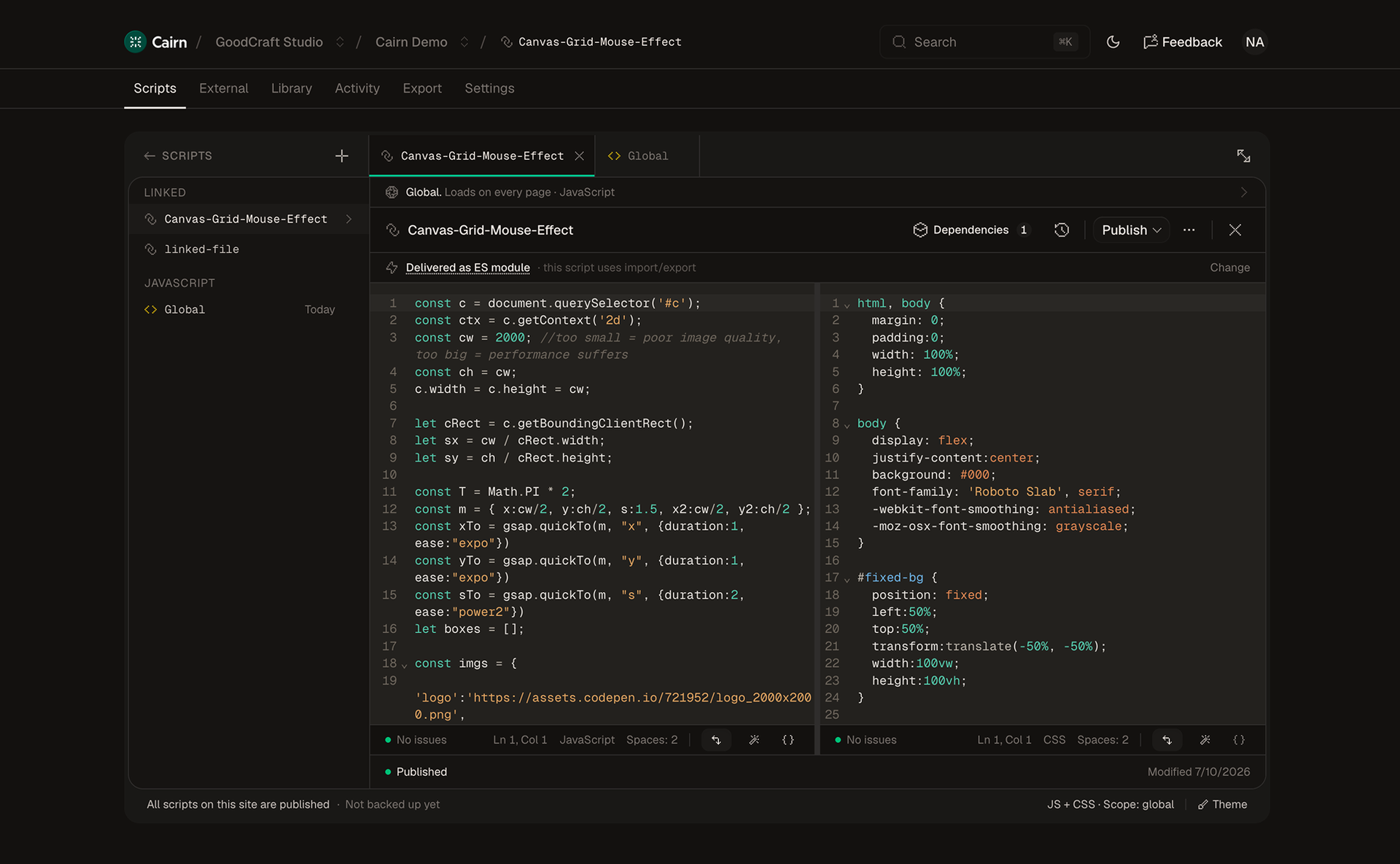
Everything custom code needs, on one page.
- Paired editor
- JS and CSS authored together, versioned together, scoped together, the way you wished Webflow let you write custom code.
- Every save is a version
- Diff against any prior version. One-click restore. The undo button Webflow never gave your custom code.
“There are enough features to have enough control without overcomplicating things. In my honest opinion it’s better than all the alternatives out there.”
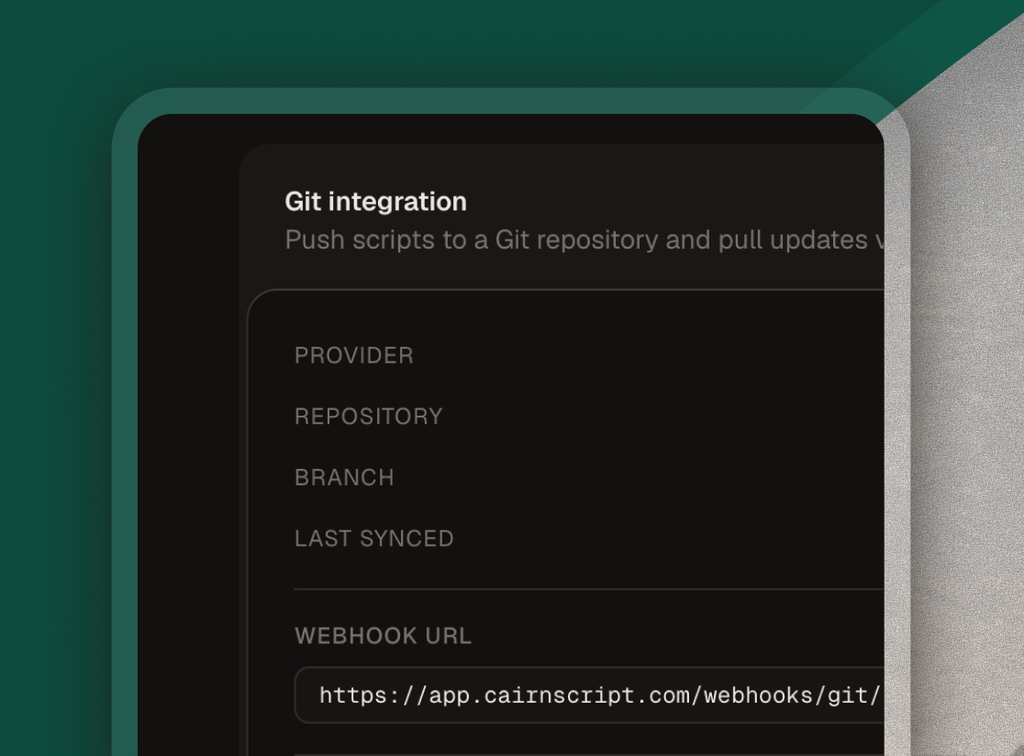
- Git sync
- Connect a repo. Pushes from Cairn commit your changes; PRs merged in GitHub or GitLab pull straight back in.
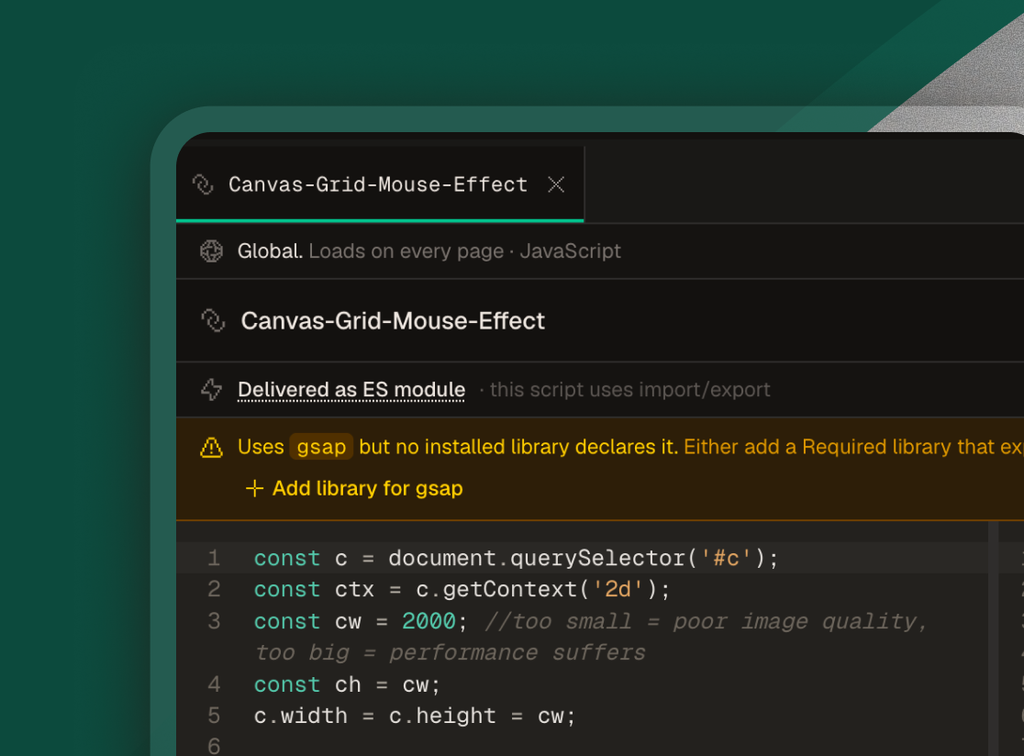
- Dependency warnings
- Reference Vimeo but forgot to to import it? Cairn catches it before publish not after you've spent 20min looking for why it's broken.
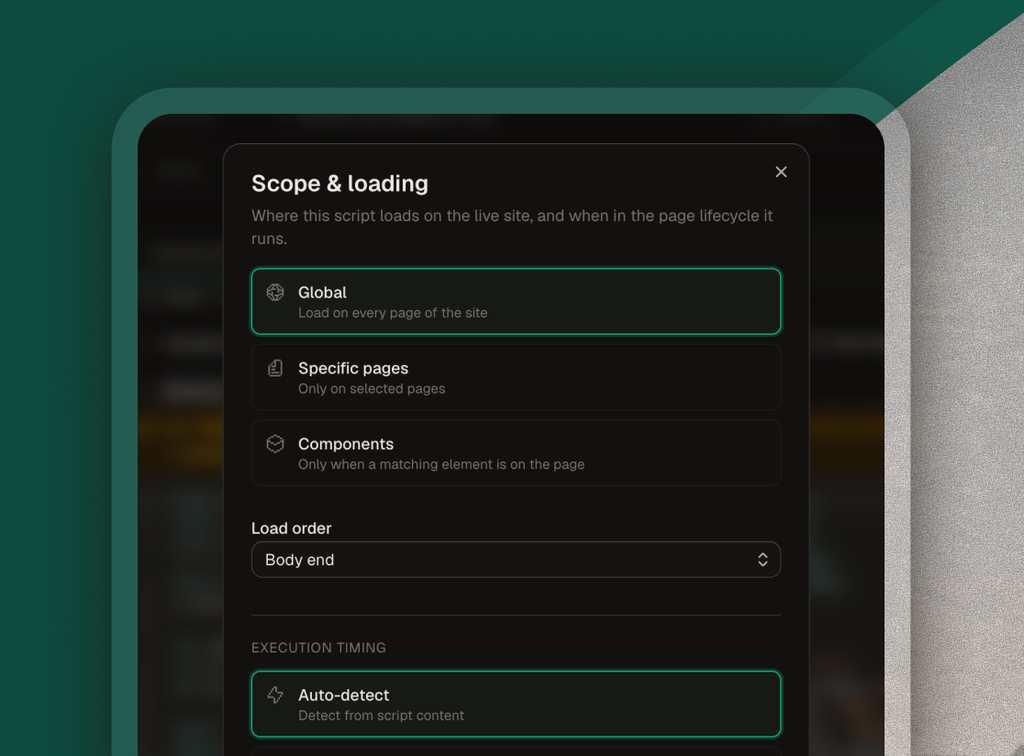
- Scope & delivery
- Pick where each script runs: globally, on specific pages, or only when certain components are found.
- Library
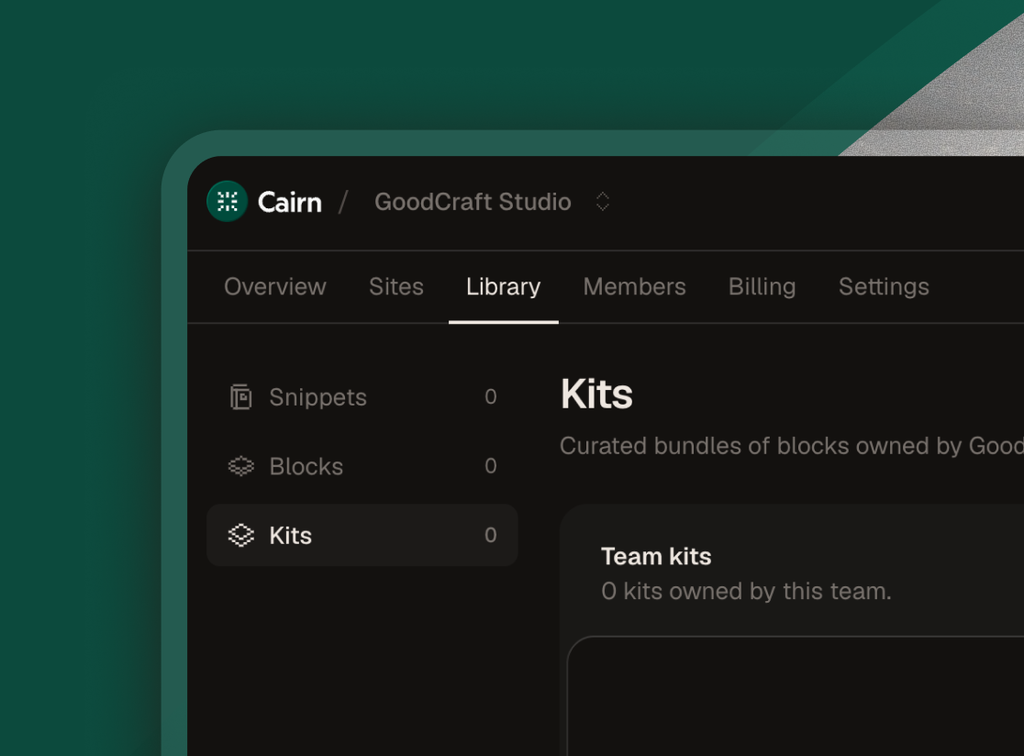
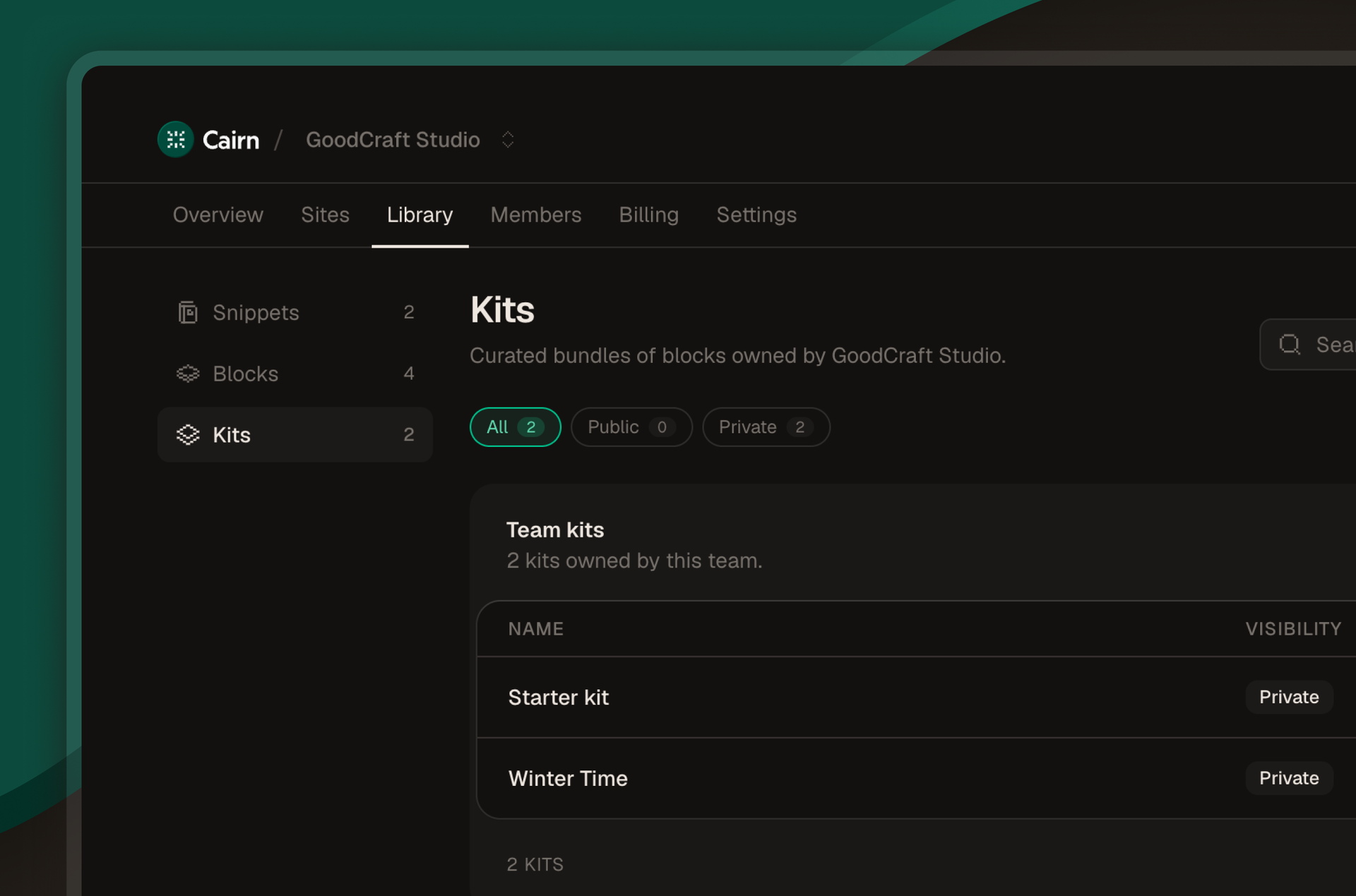
- Snippets, blocks, and kits. Build a private registry of the patterns you reuse across client sites.
Webflow custom code vs Cairn.
Publishing a change
Webflow
Publish the site from the Designer
Cairn
Live on the next page load
Scripts per site
Webflow
10,000 characters, head + footer combined
Cairn
Unlimited
Version history
Webflow
None on the custom-code box
Cairn
Every save versioned — diff, restore, audit
Where a script runs
Webflow
Site-wide, or one page at a time
Cairn
Site, a list of pages, or a CMS template
Missing dependencies
Webflow
Not checked
Cairn
Flagged before publish
Build it once. Install it everywhere.
A sticky header, a CMS hover preview, a cookie banner: save it as a block and install it on every client site that needs it. No more digging into an old site to find "how did I do that" just save and use on the next site.
- Build out library components for you and your whole team
- Create and use snippets to add a few lines of code at a time.
- Blocks are whole sets of code (like a video player customization) while kits are sets of Blocks.
Write, scope, ship.
The whole workflow.
01
Write
Open the editor. Two panes, side by side: the JavaScript and its matching CSS. They pair by filename, so behavior and style version, scope, and ship as one unit. Save (⌘S) writes a new version row. Nothing publishes yet.
02
Scope
Decide where this script runs. Globally across the site, on a specific page slug, or wrapped around a CMS template so it only fires on those collection items. No automatic guess. You pick.
03
Ship
Click Publish. The Cairn loader on every Webflow page picks up the new version on the next page load. No Webflow republish. No Designer trip. By the time you switch back to your test window, the change is live.
Start free. Scale by site count.
Every feature ships in every tier — you pay for connected sites, nothing else.
Free
$0forever
Your first site. Every feature included.
- 1 connected site
- Every Cairn feature
- Webflow auto-install
- Git sync
- Dependency warnings
- Unlimited version history
Pro
$12/ month
Unlimited sites for agencies juggling clients.
- Unlimited connected sites
- Every feature in Free
- Priority email support
Team
$35/ month
Unlimited sites and unlimited teammates.
- Everything in Pro
- Unlimited team members
- Shared team library
Common questions.
Your first site is free. Ship your first script in minutes.
Connect Webflow, install the loader, push your first JS + CSS pair. No credit card. Every feature included.