

Features
Everything custom code needs, in one place.
Cairn gives Webflow the custom-code workflow it never had: paired files, real version history, scoped delivery, and one loader that keeps it all live.
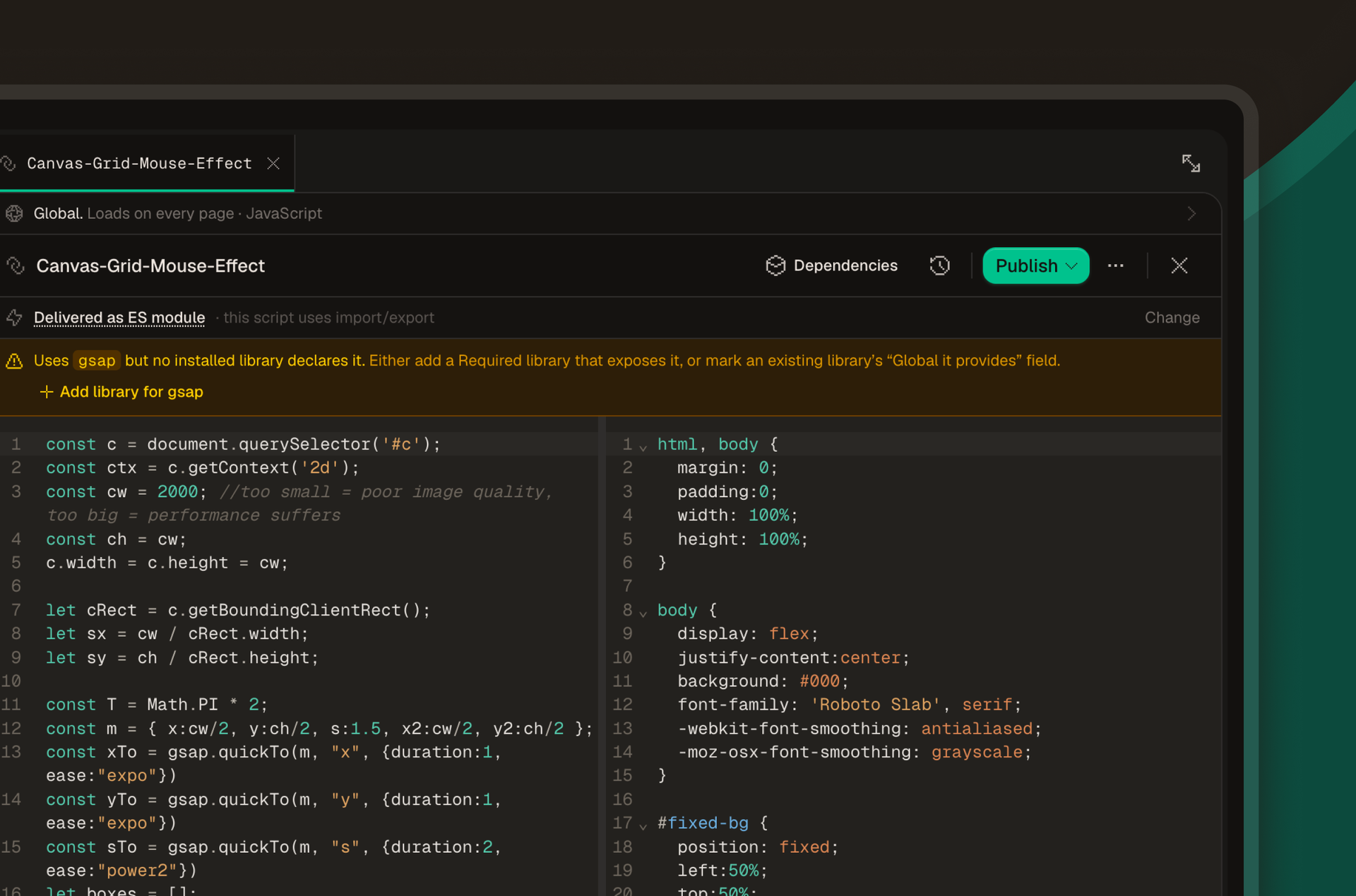
Paired editor.
Author the JavaScript and its CSS together, in one editor, as one unit.
- Why I built it
- A script and the CSS that supports it are a single feature, but in Webflow they live in two unrelated places: one in the page custom-code box, the other smeared across Designer class styles. Move the JS and the CSS goes stale. Diff the JS without the CSS and the history lies. I wanted the pair to travel as one.
- How it works
- Files pair by base name. A file called slider.js belongs to slider.css. The pair shares one version row when you save, one scope rule when you ship, and one history when you audit. The editor opens both side by side: JS on the left, CSS on the right. Syntax-highlighted and linted.
Git sync.
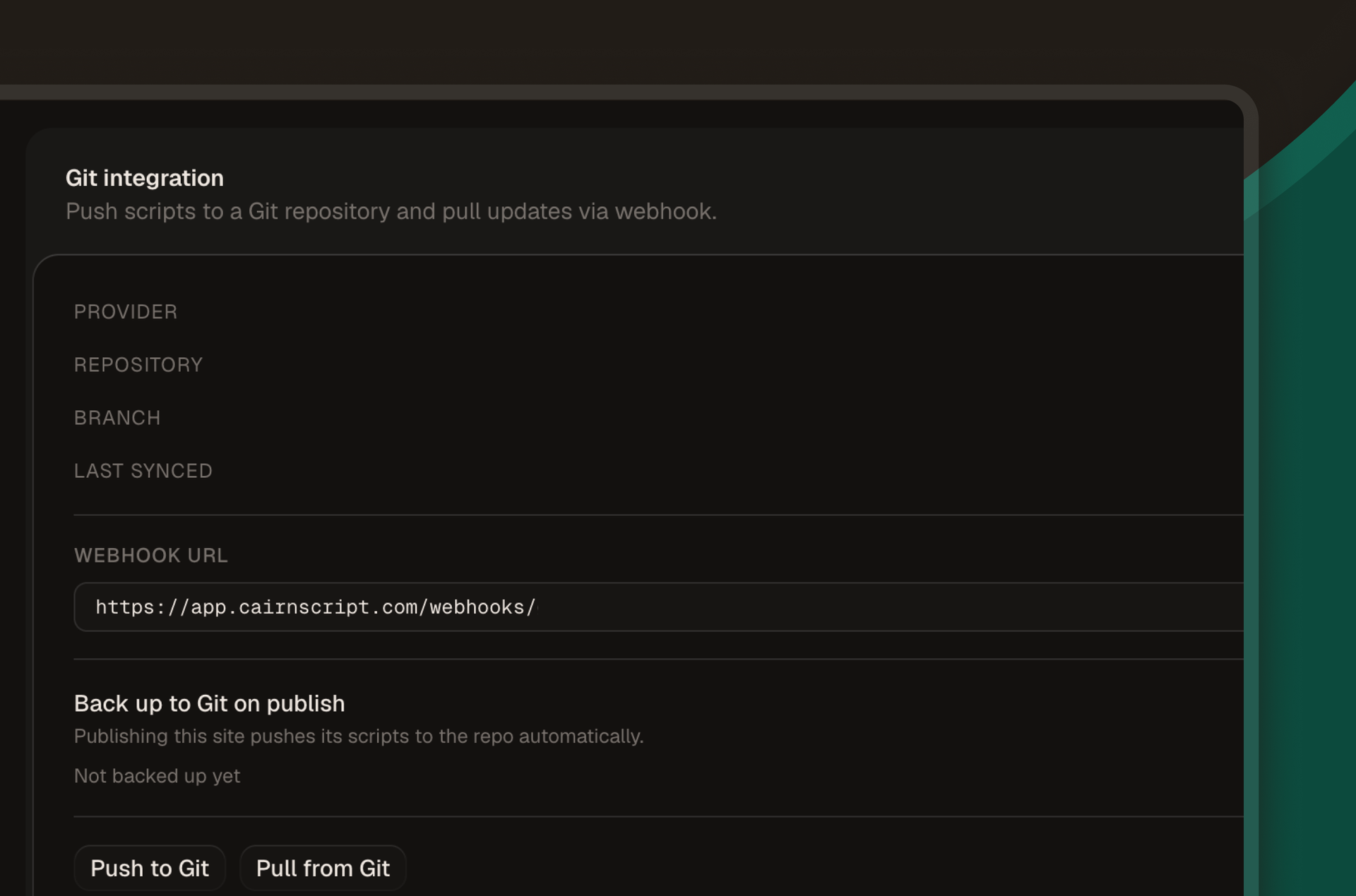
Connect a GitHub or GitLab repo as the source of truth for your scripts.
- Why I built it
- Custom code in a Designer text box has no diff, no branch, no pull request. The first time you want a teammate to review a change, or the first time you want to roll one back, you find out the hard way. I wanted the tools that already work for code to keep working.
- How it works
- Connect a repo per workspace. Every save in Cairn pushes a commit on a configured branch with the script as a file. A pull request merged in your repo fires a webhook, and Cairn pulls the new version in. Author in either place; the other side catches up. Git sync ships on every plan, including Free.
Scope and delivery.
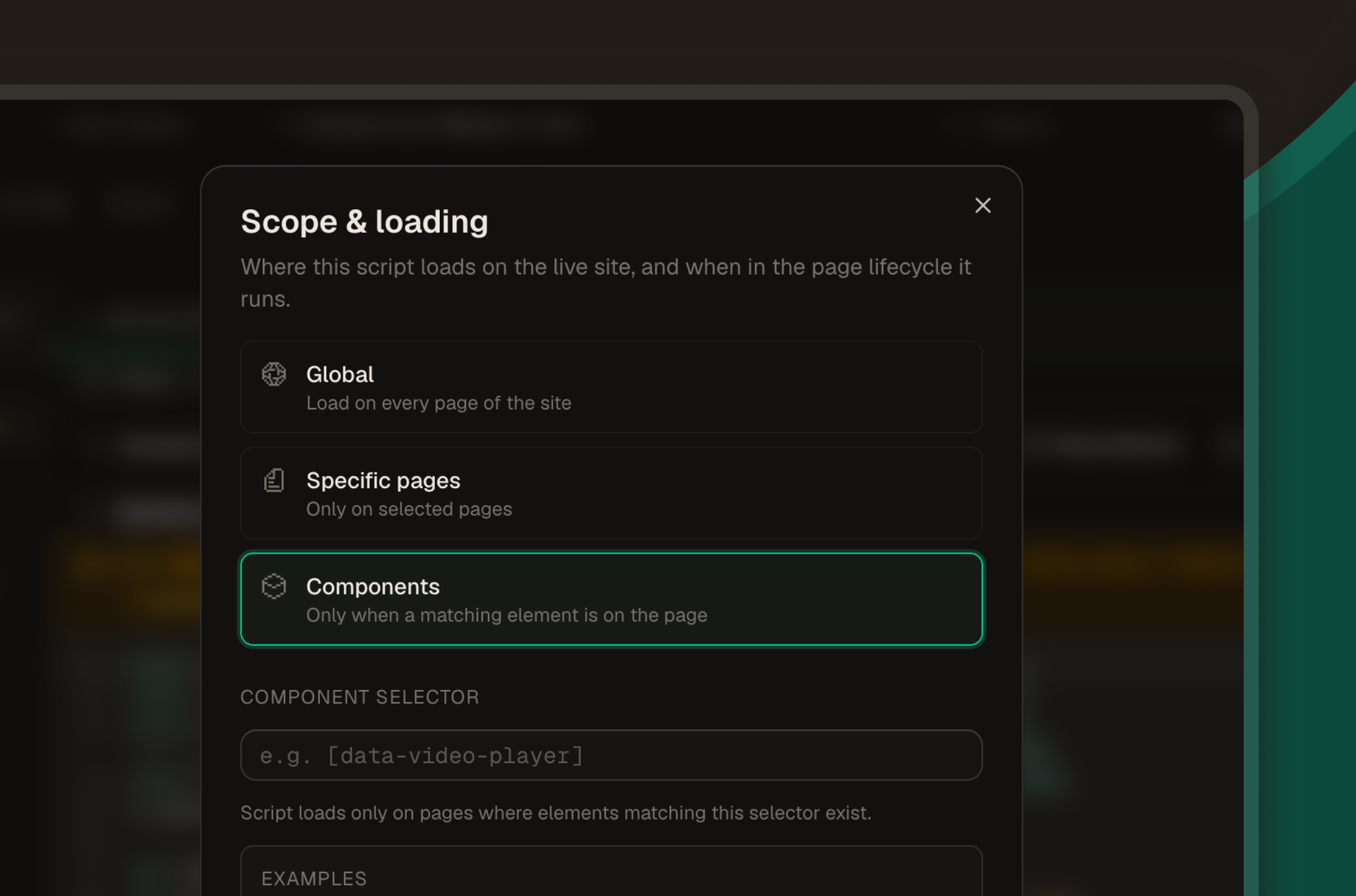
Tell Cairn where each script runs. Globally, on a list of pages, or only on a CMS template.
- Why I built it
- Webflow's custom-code box is binary. Site-wide head and footer, or one page. So a script meant for "every CMS detail page" becomes a copy-paste chore, and the dependency tree turns invisible the moment you have more than three of them. I separated the script from where it loads.
- How it works
- Each script has a scope rule. The choices are: every page on the site, a specific list of pages, or a CMS template so the script only fires on those collection items. The Cairn loader on each Webflow page reads the rules at request time and pulls only the scripts whose scope matches.
Library.
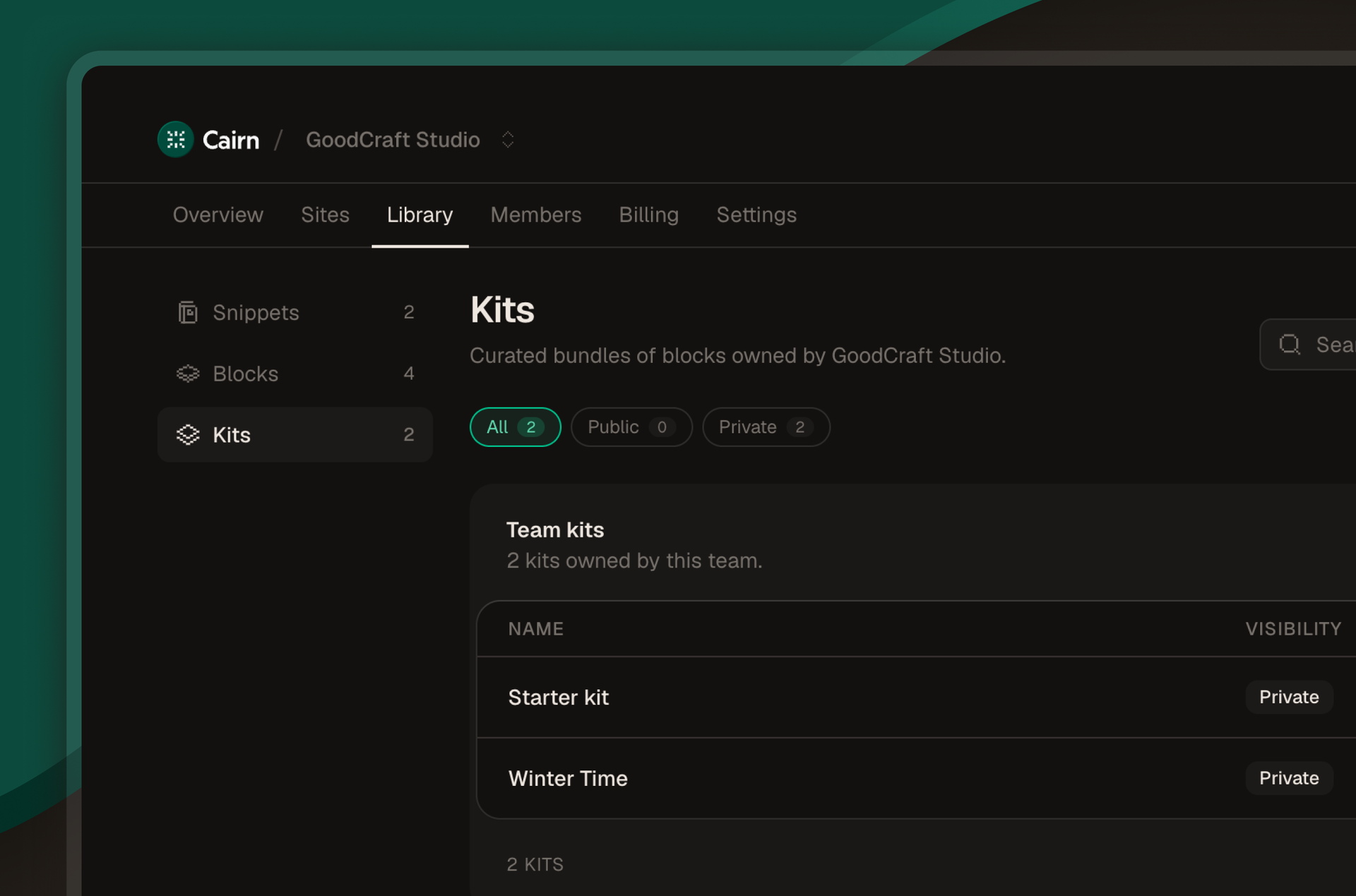
Save scripts as snippets, blocks, and kits, then reuse them across client sites.
- Why I built it
- Most people (me) keep a private folder of "the components I like," "the slider I built last year," "the form helper that does the trick." That folder or they just try and remember and go back to old sites to pull scripts they like. I wanted a registry that versions with the rest of the work.
- How it works
- Save any script to the library at three granularities. Snippets are one file. Blocks are a few paired files that make up one UI piece. Kits are a directory of scripts that work as a set. Every plan gets a personal library you can fork from on a new site.
Webflow loader.
One tiny loader, installed once. After that, no more Webflow republishes for code changes.
- Why I built it
- I wanted Cairn to deliver script changes without asking you to republish your Webflow site every time. Webflow can't host a Cairn-controlled deploy pipeline, so I wrote a loader that does.
- How it works
- Install one Cairn loader script tag in your Webflow project. Cairn auto-installs it through the Webflow API in a single click. From then on, the loader queries Cairn at page load, downloads the scripts whose scope matches the current URL, and runs them. Publish a change in Cairn and the next page load picks it up. No Designer trip in between.
Your first site is free. Ship your first script in minutes.
Connect Webflow, install the loader, push your first JS + CSS pair. No credit card. Every feature included.